Computer Science · Ch 9 — Structured Query Language (SQL)
Installing MySQL
Installing MySQL
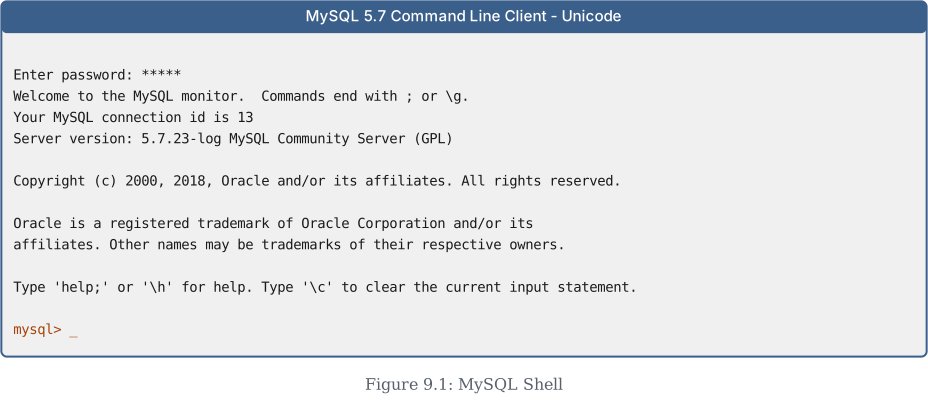
MySQL is an open-source RDBMS (Relational Database Management System). To use it, you first need to download it from the official website: https://dev.mysql.com/downloads. After installation, you must start the MySQL service. Once the service is running, you will see the mysql> prompt, as shown in Figure 9.1 of the textbook. This prompt indicates that MySQL is ready to accept SQL statements.
The textbook also includes an activity (Activity 9.1) asking you to find and list other types of databases besides RDBMS. This is a good opportunity to explore non-relational databases like NoSQL.
Important Points to Remember While Using SQL
- SQL is case-insensitive. For example, the column names
salaryandSALARYare treated as the same by SQL. You do not need to worry about capitalisation when writing queries. - Always end SQL statements with a semicolon (
;). This tells MySQL that the statement is complete and ready to be executed. …
Drawn by us to help you understand the concept clearly, and verified to make sure it's accurate. For exams, practice from your NCERT textbook's own diagram.
This shows the MySQL command-line client right after you log in — the point where you're ready to start typing SQL. The banner text tells you which MySQL version you're connected to and reminds you that every command must end with a semicolon (;). …